The notch Windows never had.
A small black pill at the top of your screen that grows to show what is happening: music, volume, timers, and your coding agents.
Hover the pill above to hold it open. These are the real themes, drawn by the real app.
What it does
Always on top, never takes focus, and gets out of the way of fullscreen games.
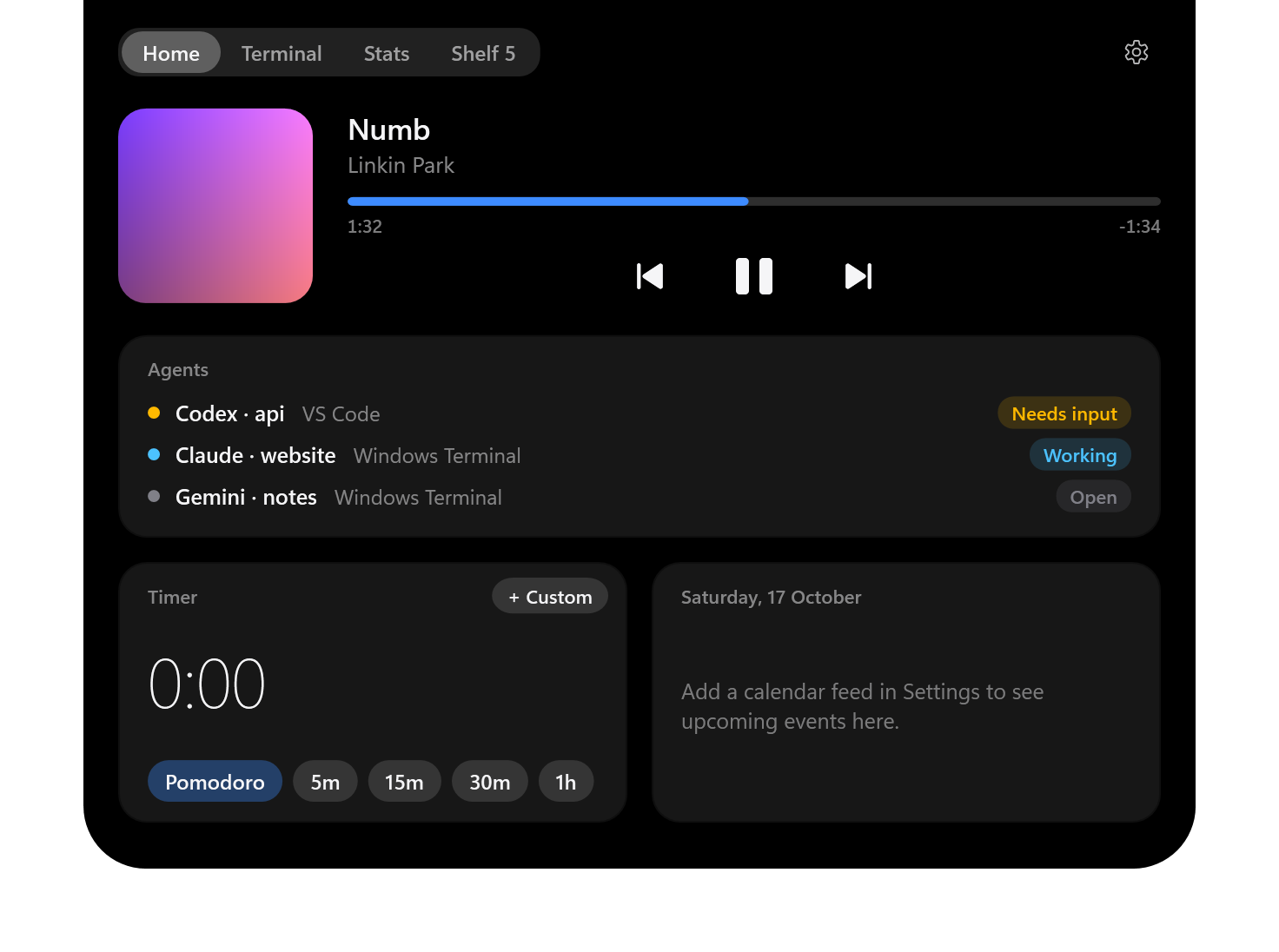
Media
Whatever is playing shows with its artwork, with play/pause, skip and click-to-seek when expanded.
System HUDs
Volume, audio output, brightness, charger, low battery, Bluetooth and Caps Lock.
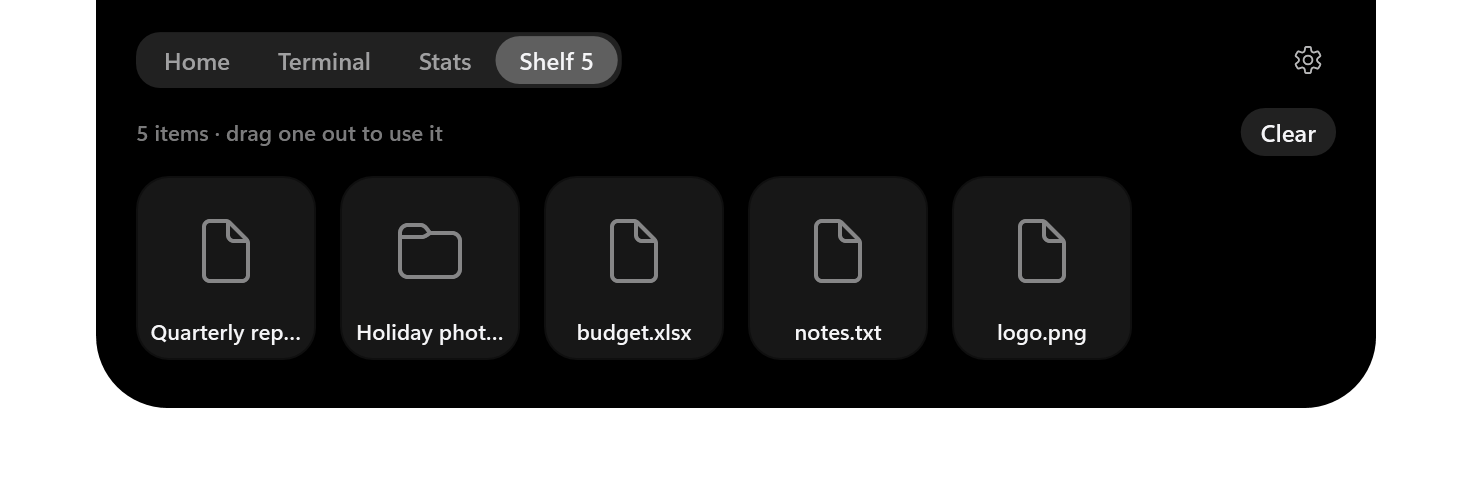
Shelf
Drag files onto the pill to put them aside, then drag them out into any app or folder.
Terminal for Claude Code, Codex and opencode
A real terminal in the notch. The pill shows whether an agent is working, needs input, or is done.
Agents anywhere
Claude Code, Codex, opencode, Gemini CLI and Aider are found wherever they run. Click one to bring its window forward.
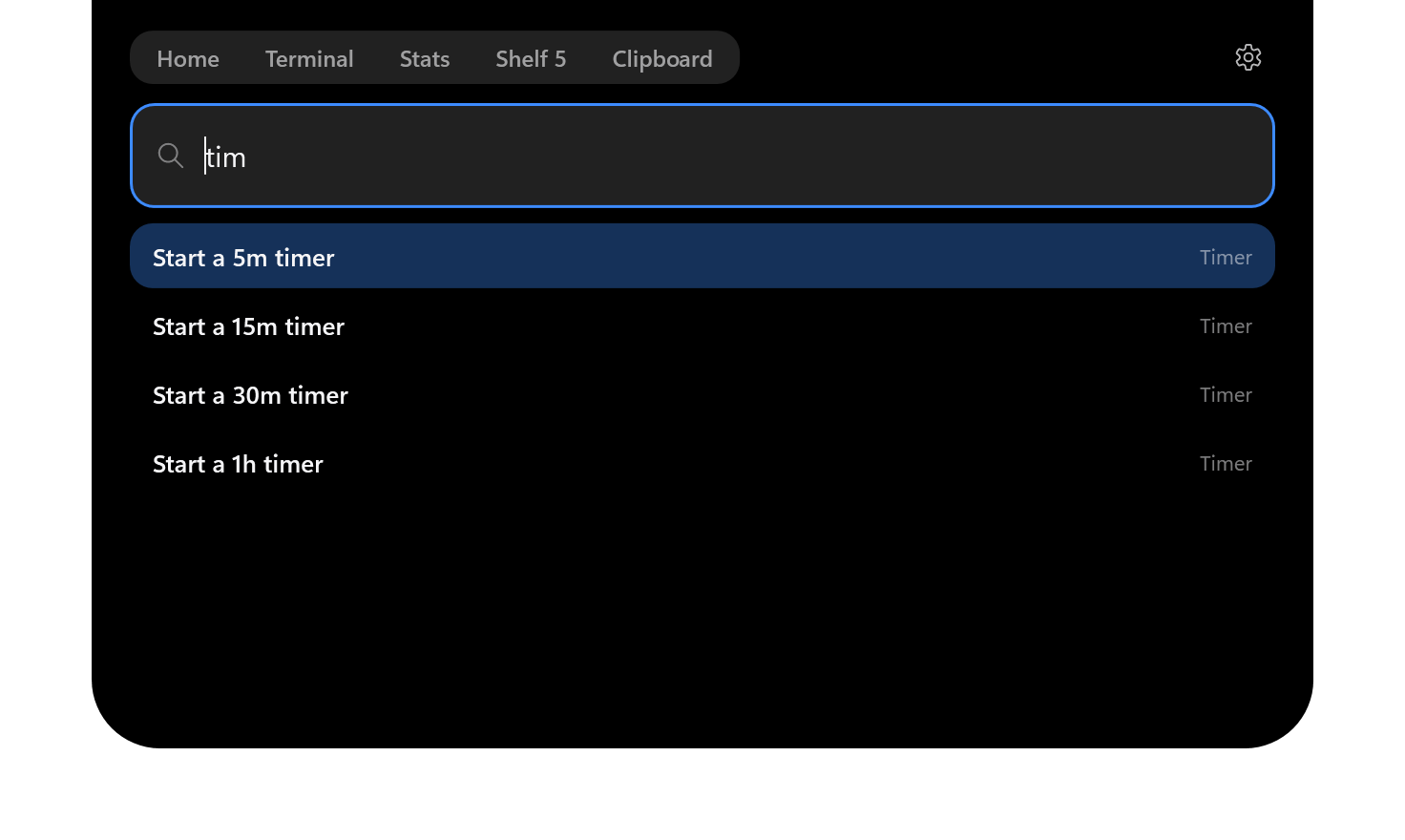
Command palette
One hotkey and a search box: start a timer, jump to a tab or an agent, open a terminal, switch a plugin on.
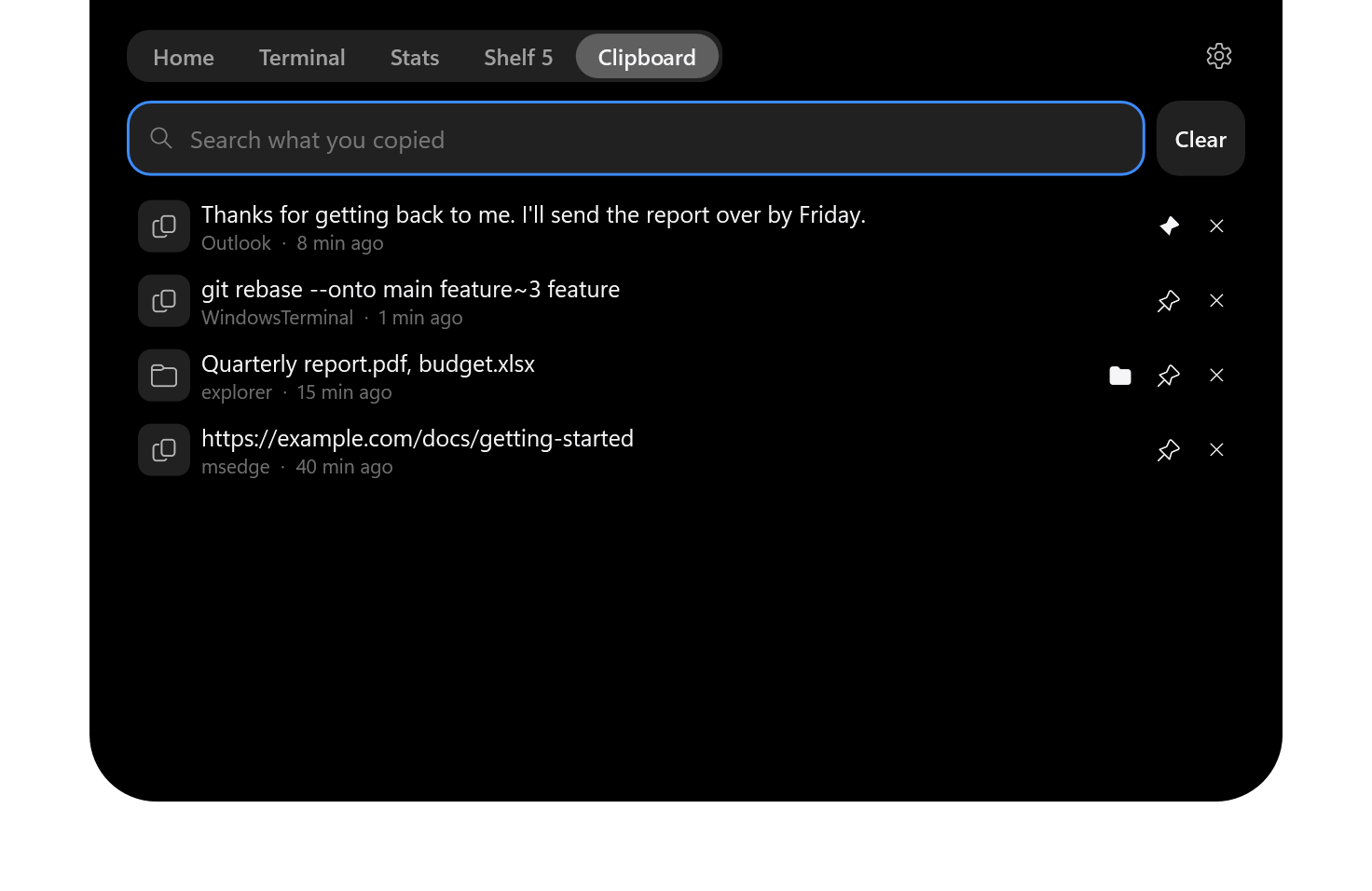
Clipboard history
Optional. Search, pin and copy again. Kept in memory, and password managers' copies are never kept.
Scriptable
notch:// links, a notchctl command and a local webhook let scripts and CI show things in the pill.
Widgets
Timer with Pomodoro mode, .ics events, and live CPU, memory, GPU, network and battery stats.
Notch or island
Grow out of the screen edge or float as a Dynamic Island, at the top or in the taskbar.
Themes
Dark, light or follow Windows, with your own accent colour. Plugins add whole new looks.
Make it yours
Dark and light are built in. Theme plugins restyle every surface, font and corner. Every picture below is the real app, rendered with each theme.
Hover, and it opens
Home has what is playing, a timer and your calendar; Stats shows the machine; the Shelf holds files for later.


Glow that means something
The pill lights up in a colour and rhythm that matches the moment.
 An agent is working
 An agent needs you
 It is done
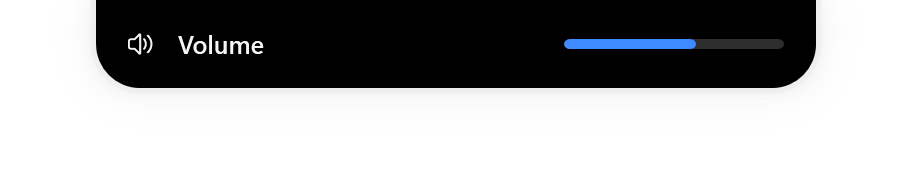 Volume
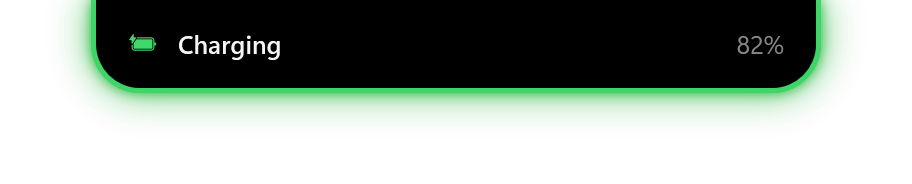 Charger connected
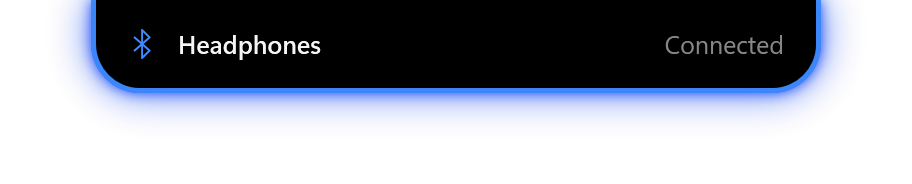 Bluetooth device
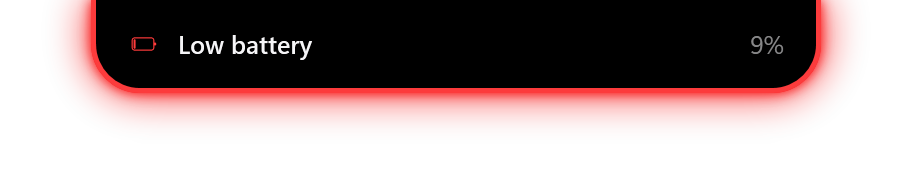 Low battery
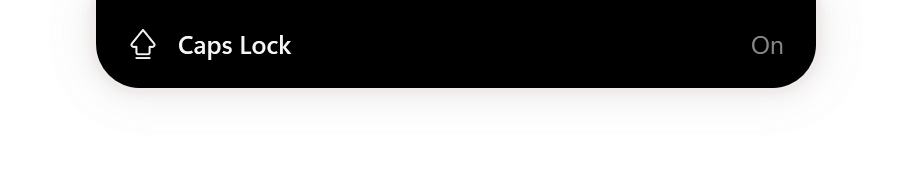 Caps Lock
 Music, in the artwork's colour
Up in a minute
- Download
Notch-Setup-<version>.exefrom the latest release. - Run it. It installs for your user, with no admin rights.
- The installer is not code-signed, so SmartScreen will ask you to confirm.
Installed copies check this repository's releases and tell you when a newer one is ready; you install it from Settings when you choose. The notices can be turned off.
Add your own activities, cards and themes
Small .NET libraries can add their own activities to the pill, cards to a Plugins tab, and whole themes. Press Install on the list: Notch opens, shows what the plugin is, and installs it only if you say yes. Or type a GitHub repository into the Plugins box in Settings.
Browse plugins Plugin guide